
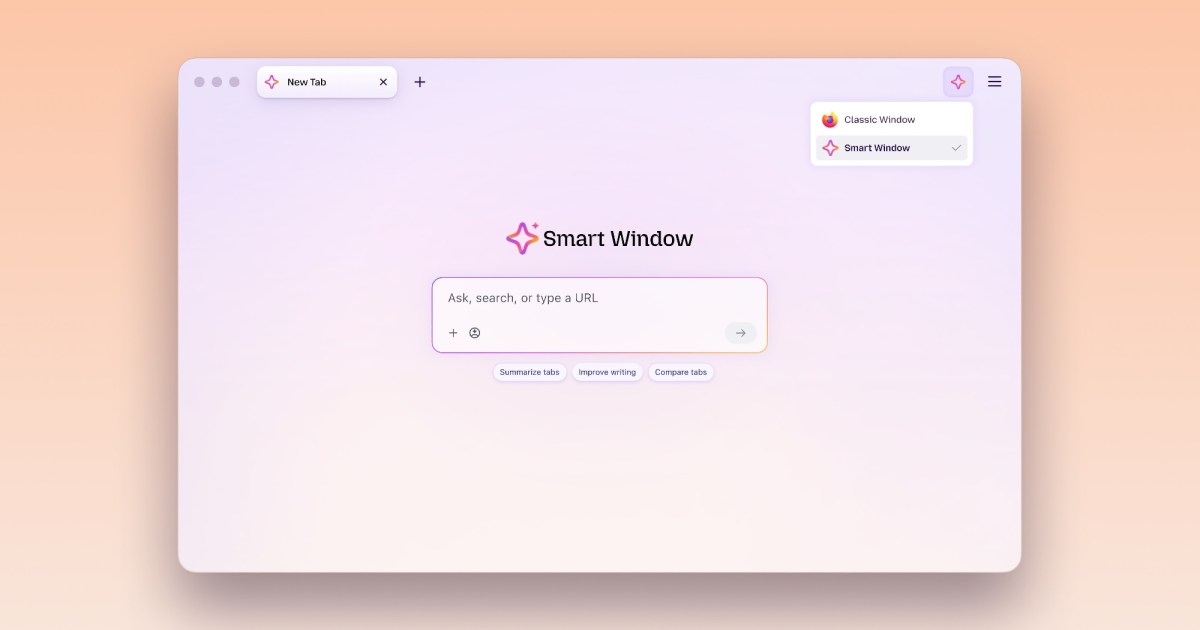
Mozilla is giving Firefox’s Smart Window two new tricks. If you haven’t tried it yet, Smart Window is an optional AI mode in Firefox with a built-in chat that helps you get things done while you browse. With this update, it can fill out online forms using details from your tabs and keep an eye on websites for you.
Tired of typing the same details into every form?
Nobody enjoys typing their work history for the tenth time. With this update, Smart Window can read the tabs you select, such as your portfolio or professional profile, and suggest answers for each field. It can even help you write responses to those dreaded behavioral interview questions.
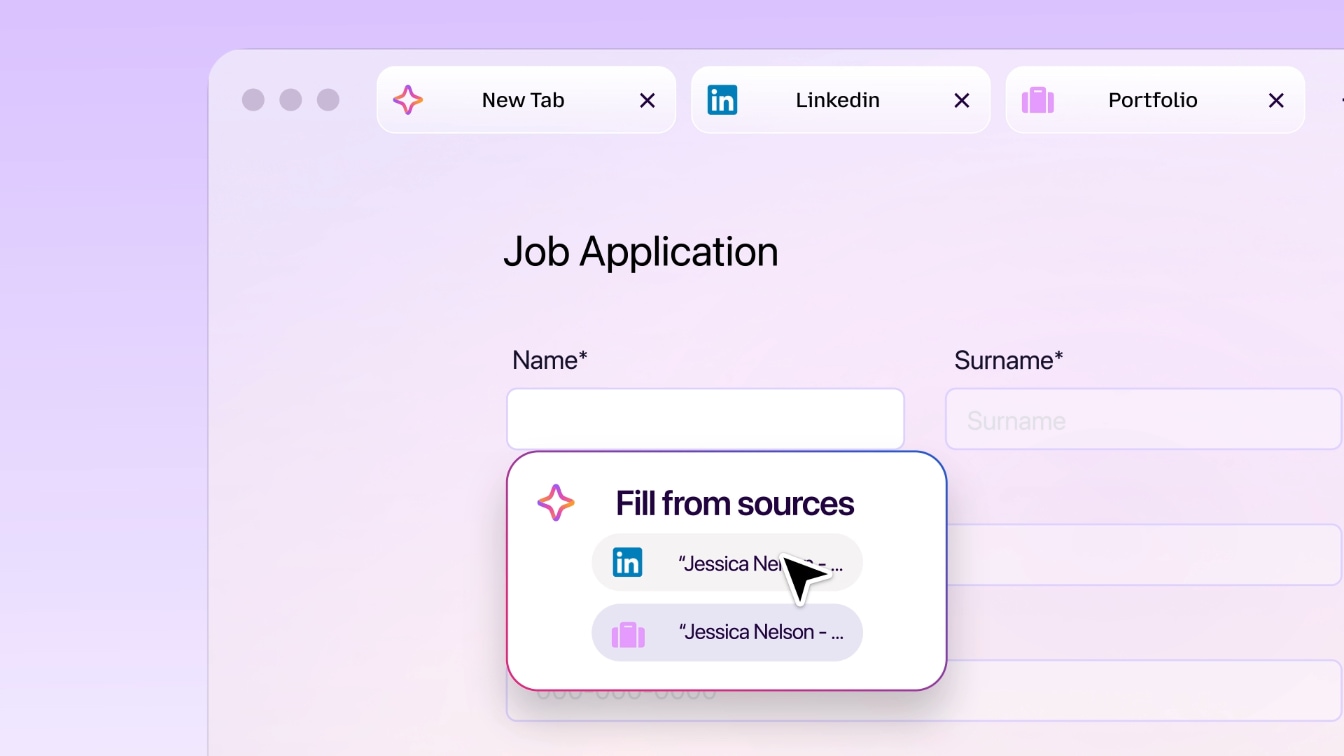
Click on any form with four or more text fields, and a “Fill from sources” option will pop up. You can swap or add tabs, check what Smart Window suggests, and make changes. The final click on the submit button is always yours.
Recommended VideosThis feature relies on Gemini 3.1 Flash Lite, but your saved name and address are handled by regular autofill and never leave your computer. Right now, the feature only supports text fields. Mozilla says dropdowns and PDF forms could be next.
Why keep checking a page when Firefox can do it?
Waiting for a price drop or a dream job to show up? Instead of hitting refresh every hour, type “/watch” in the Smart Window chat. Tell it what you want, pick up to five websites, and choose whether Firefox should check once a day or once a week.
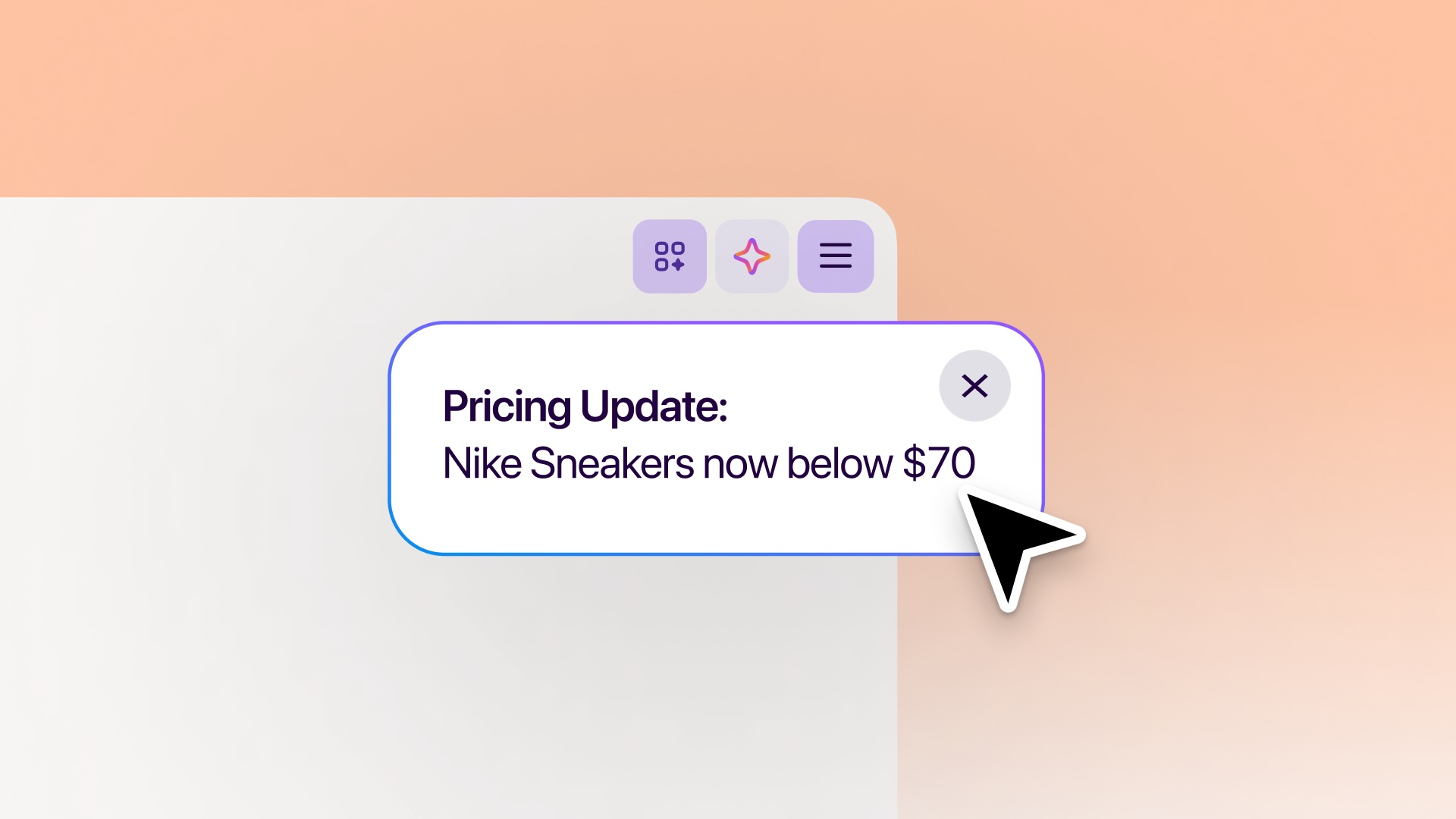
Matches show up under the Tasks button, and you can also turn on desktop alerts. You can keep 15 tasks going together, though Firefox has to be open for them to work. If nothing changes for 60 days, the task pauses, and after 90 days, it stops for good.
Both features are live in the Smart Window desktop beta for English users in the US and Canada. Other regions will get access over the next few months.
RELATED COVERAGE: